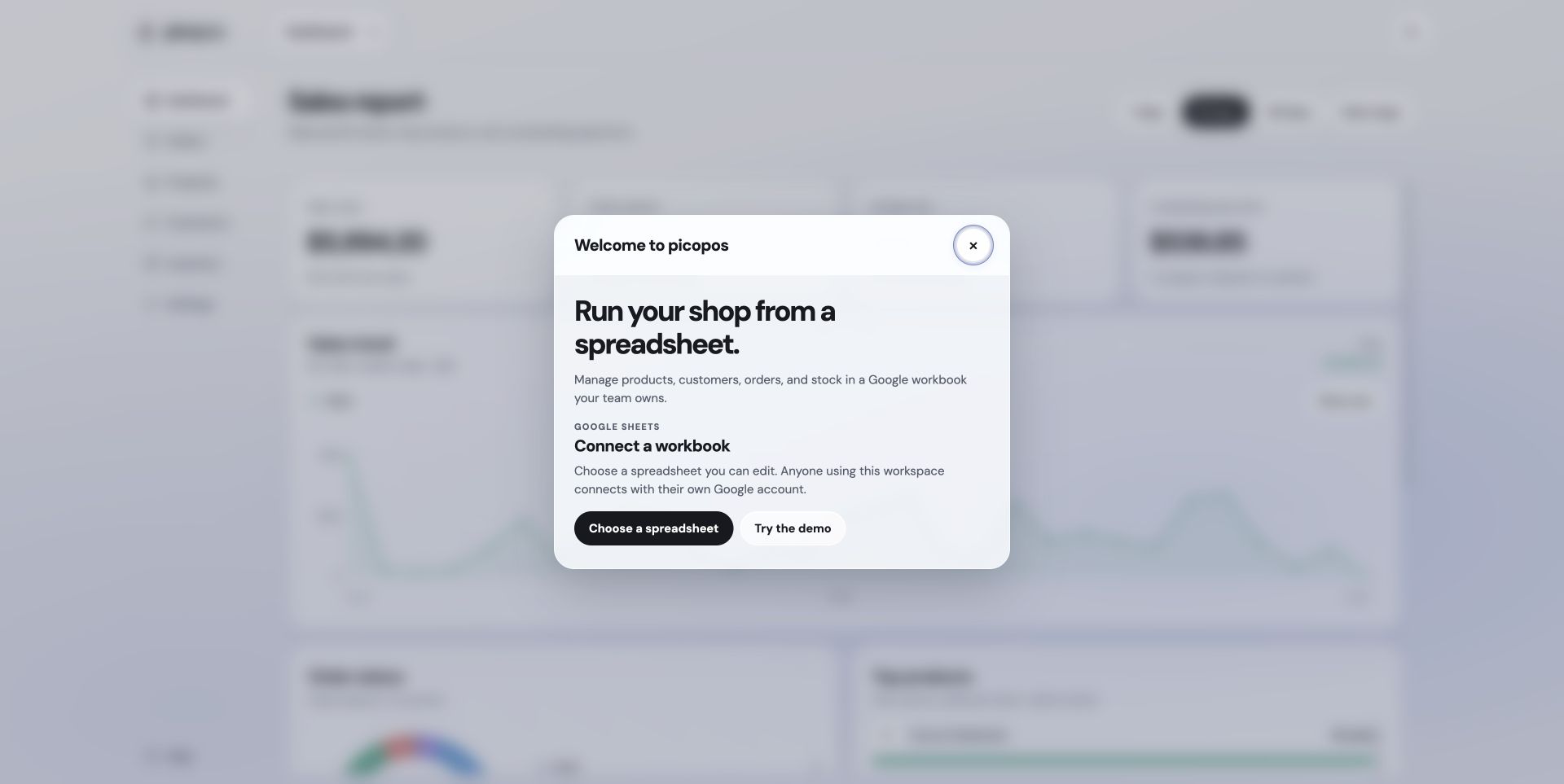
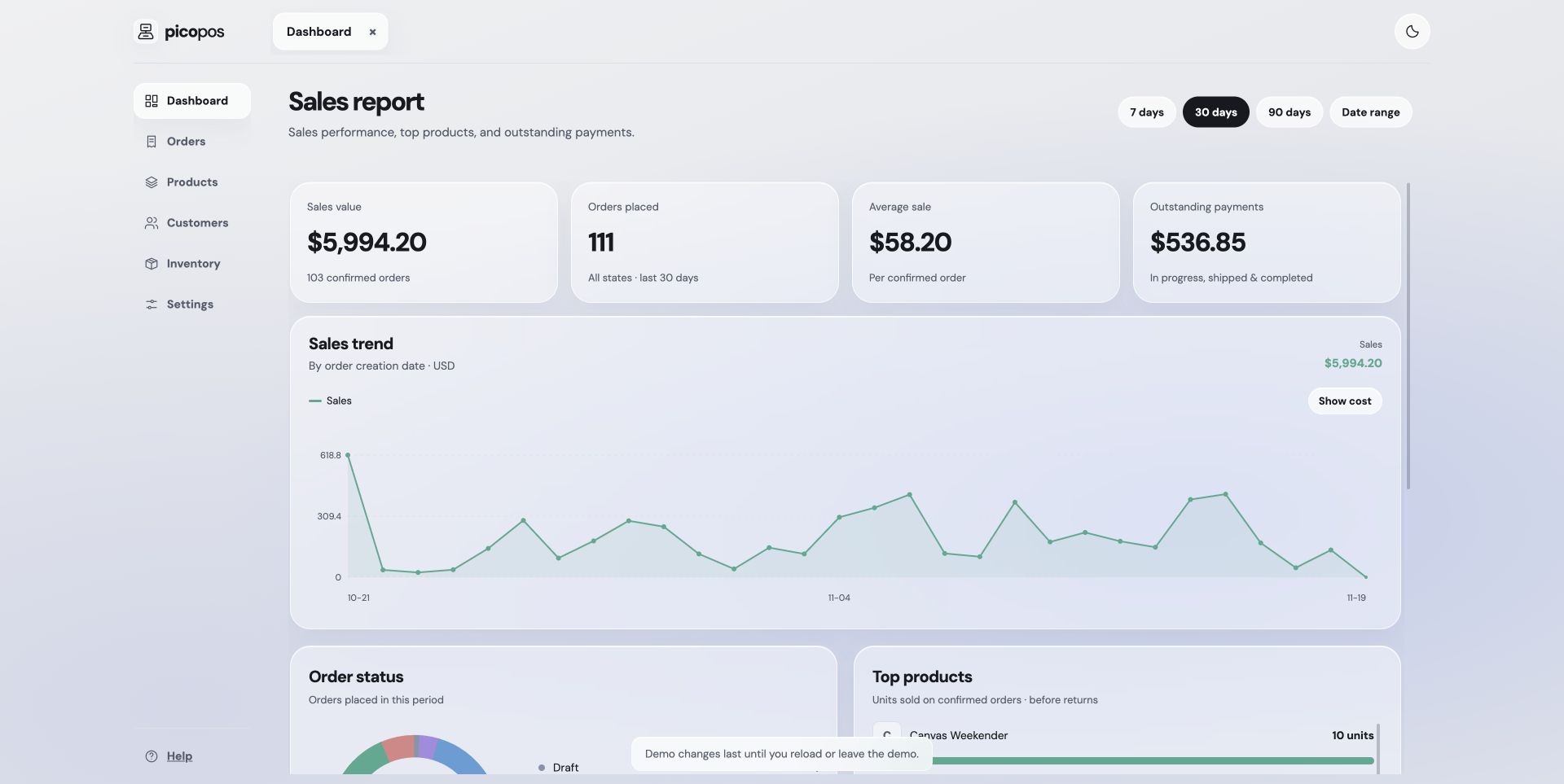
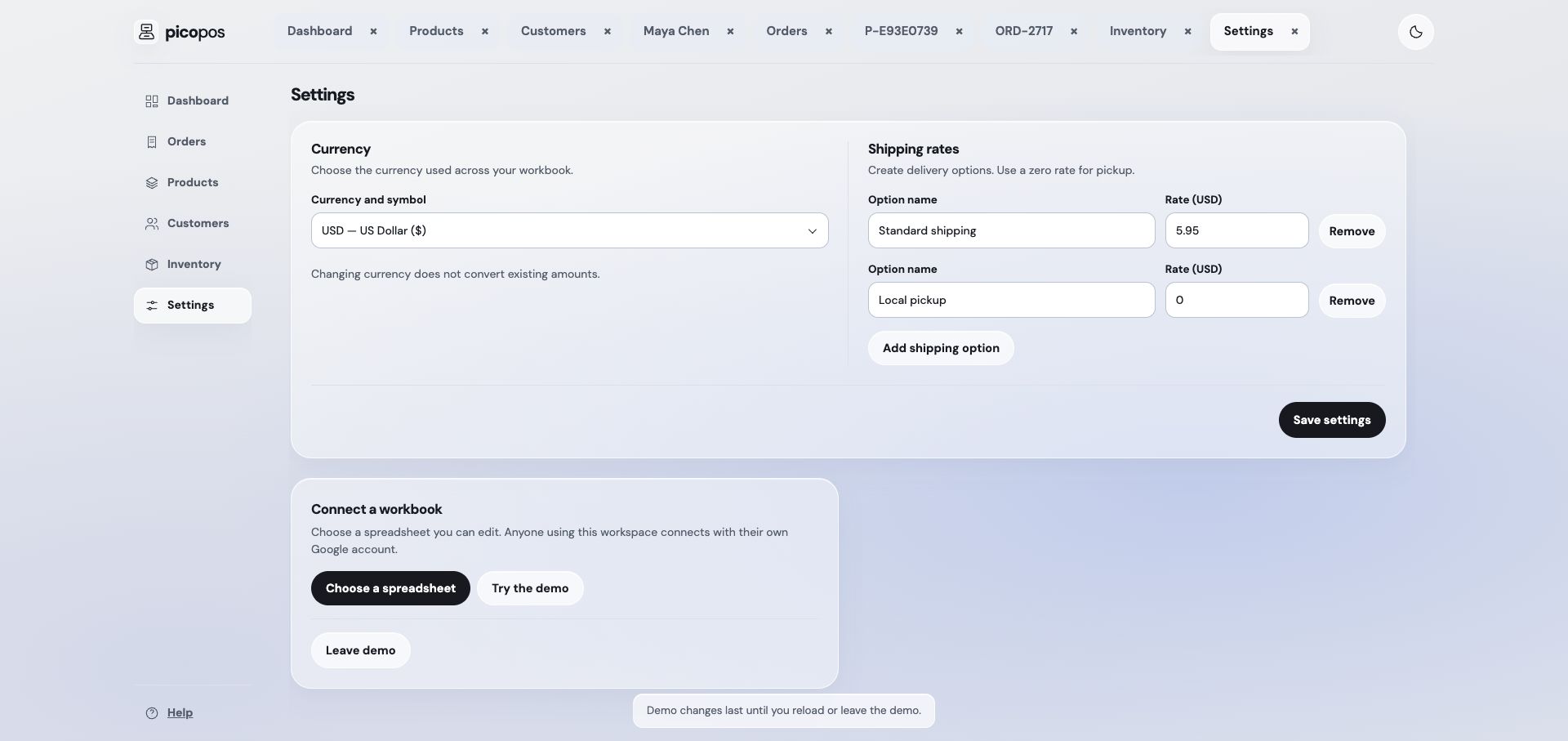
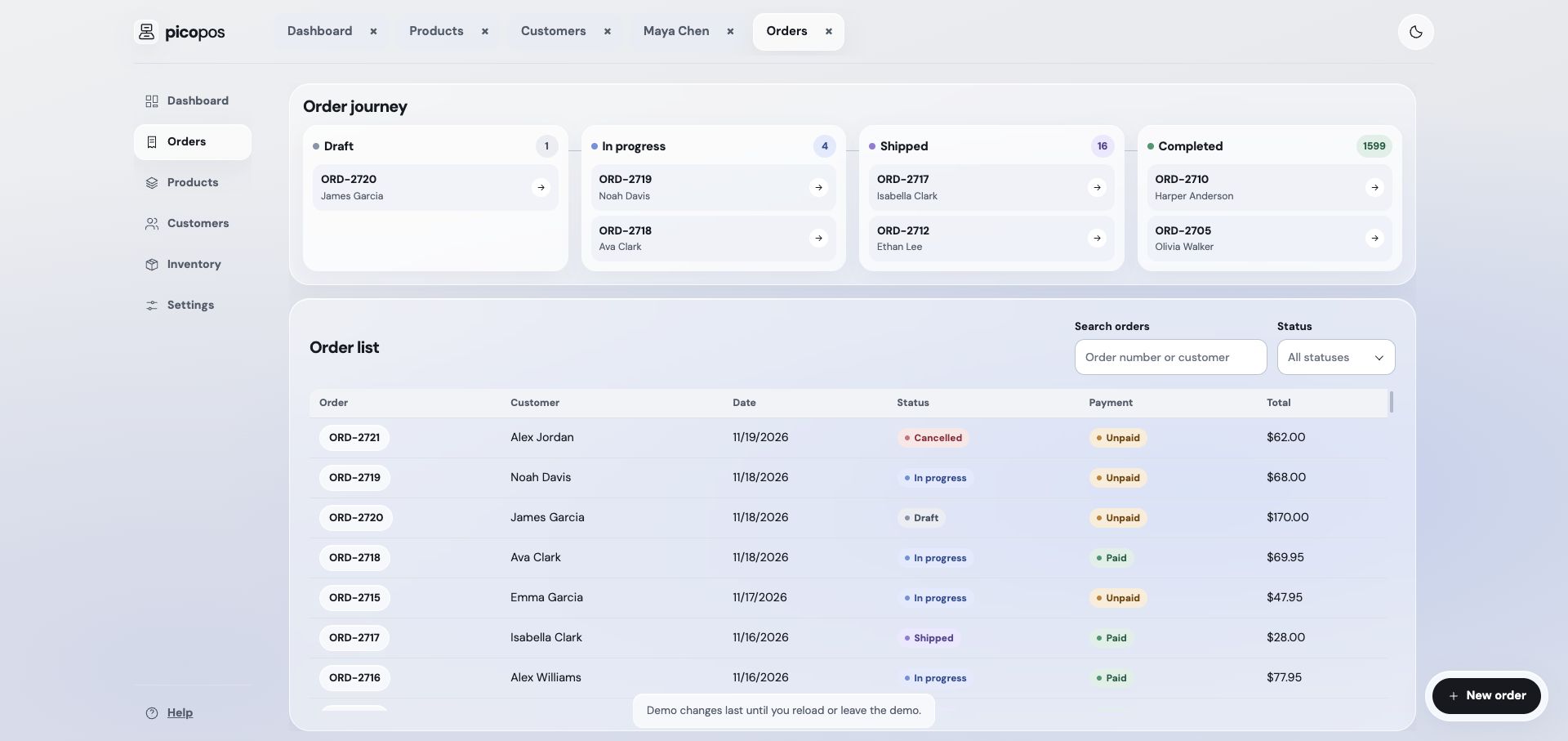
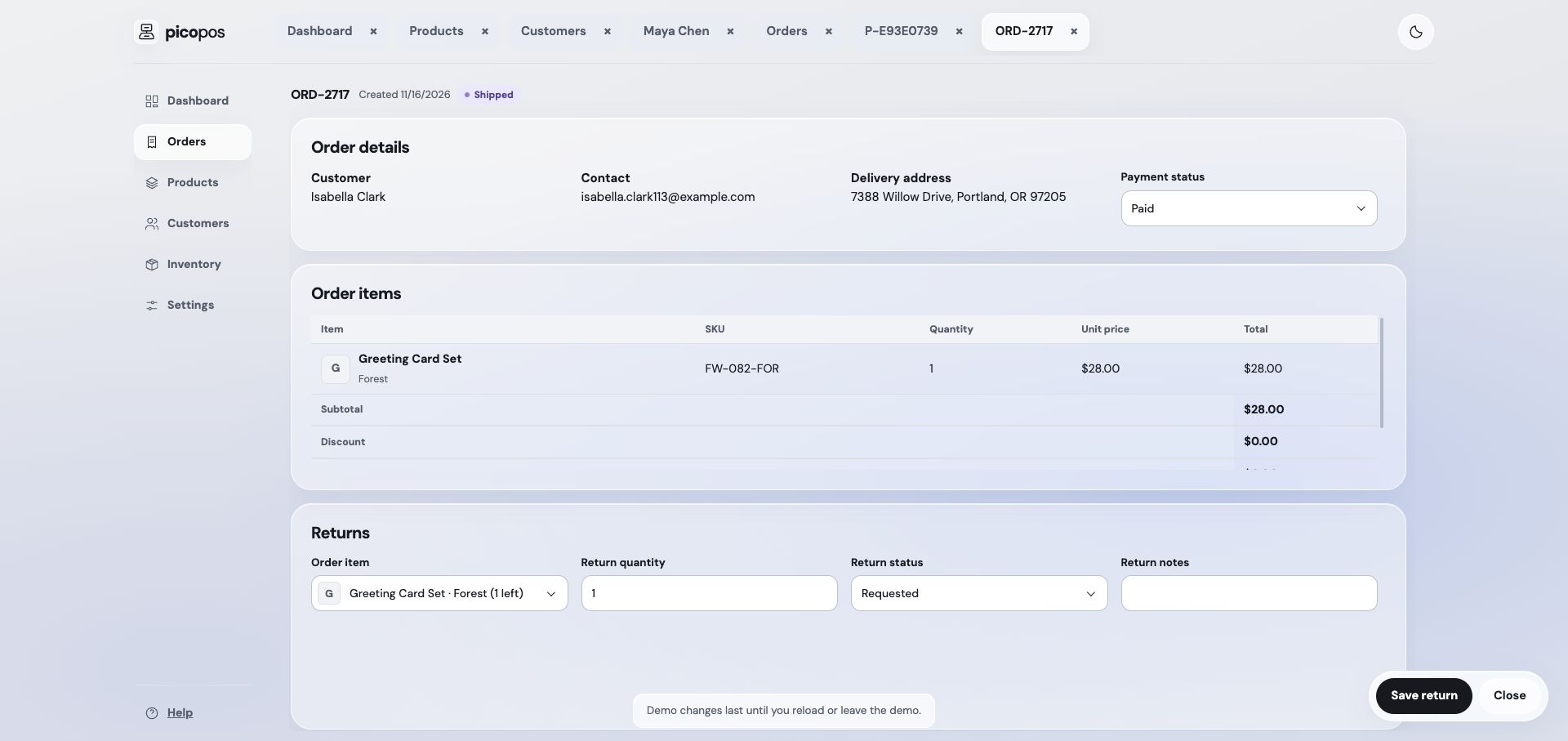
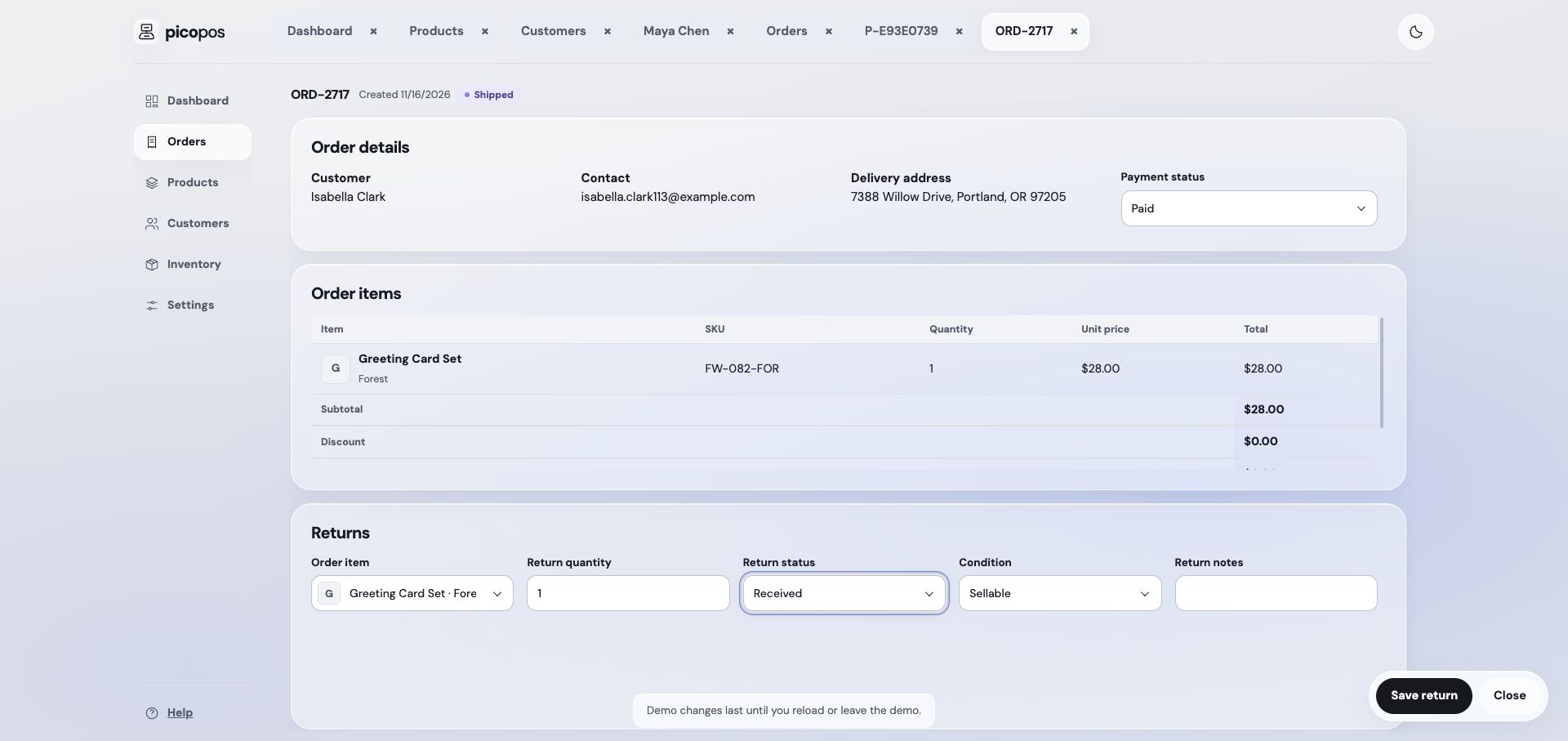
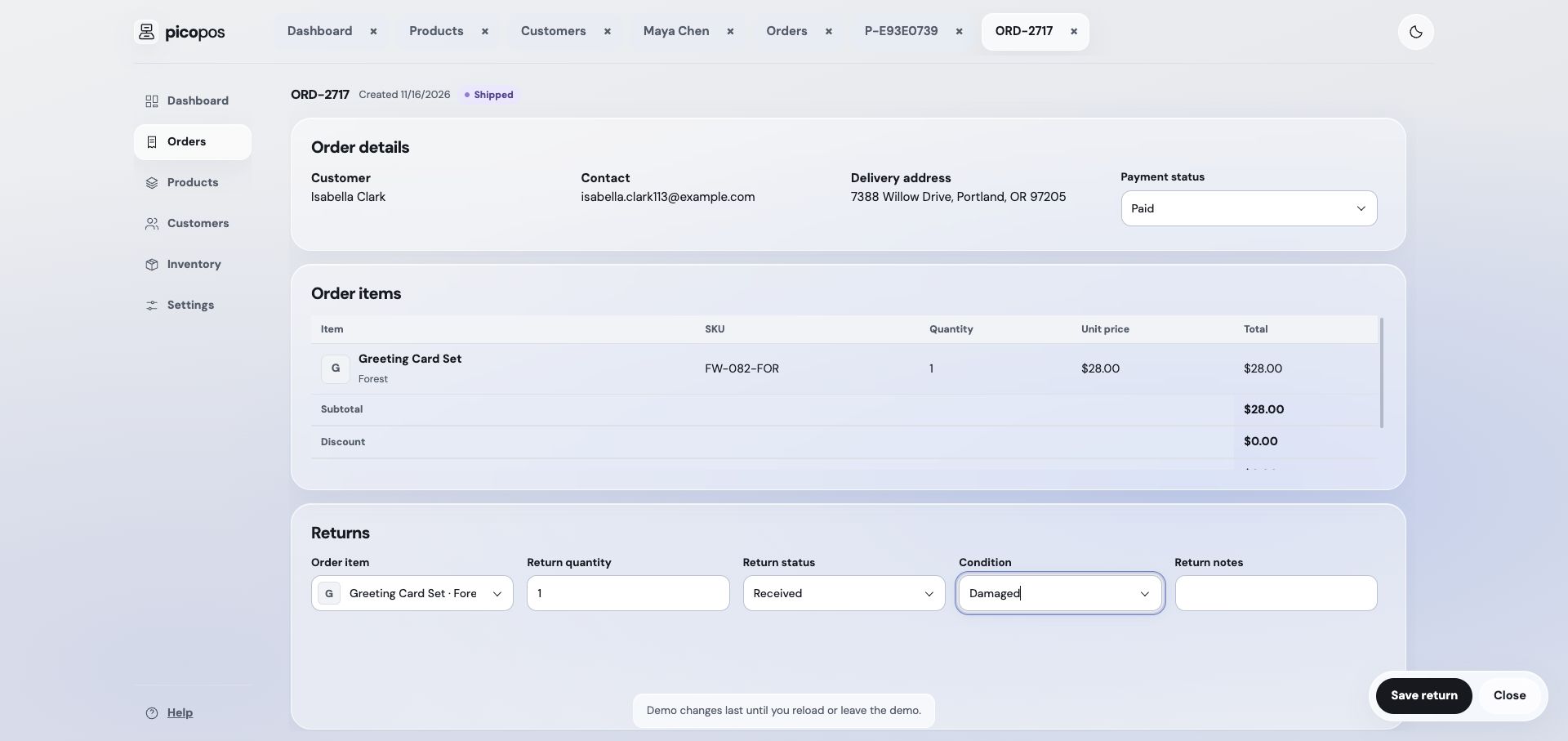
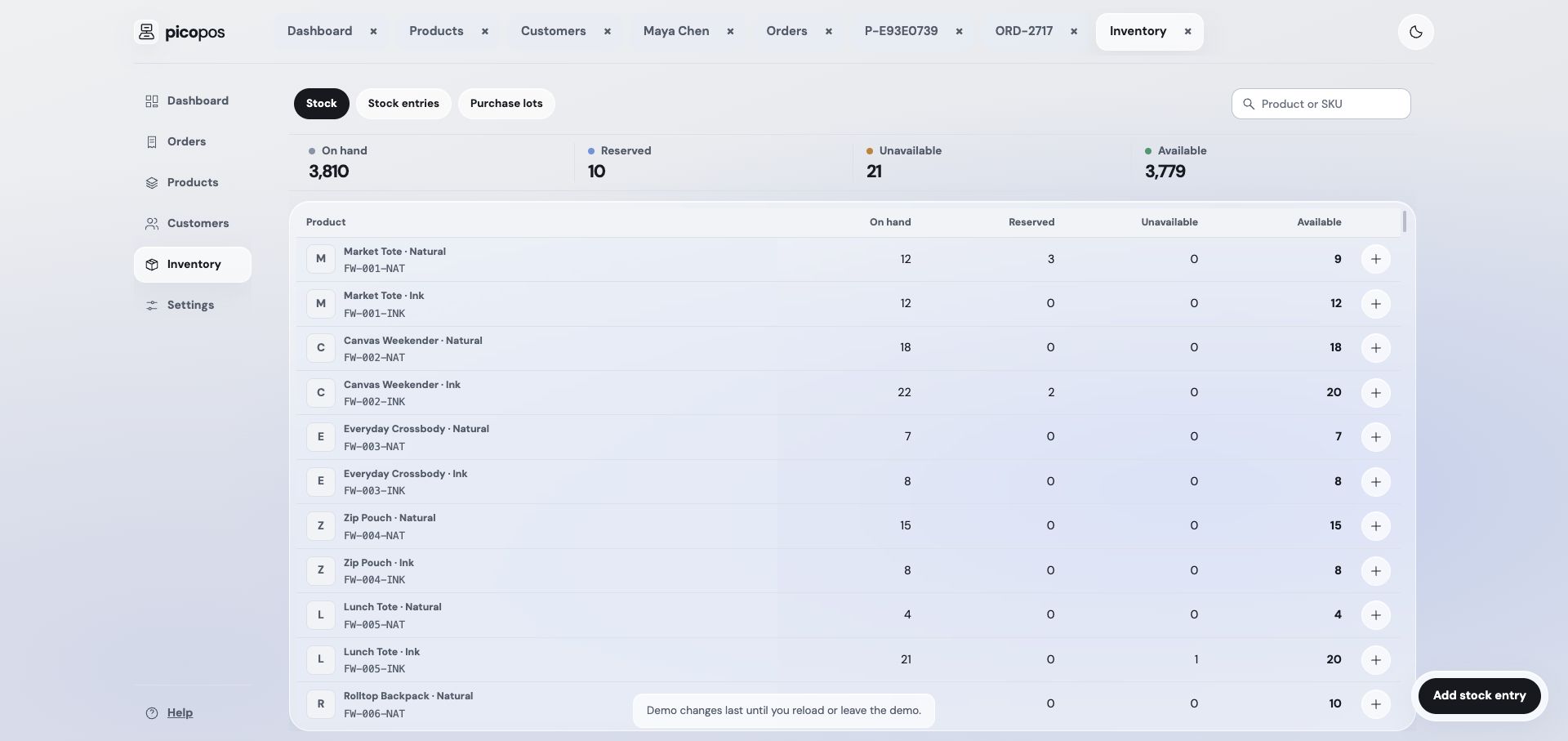
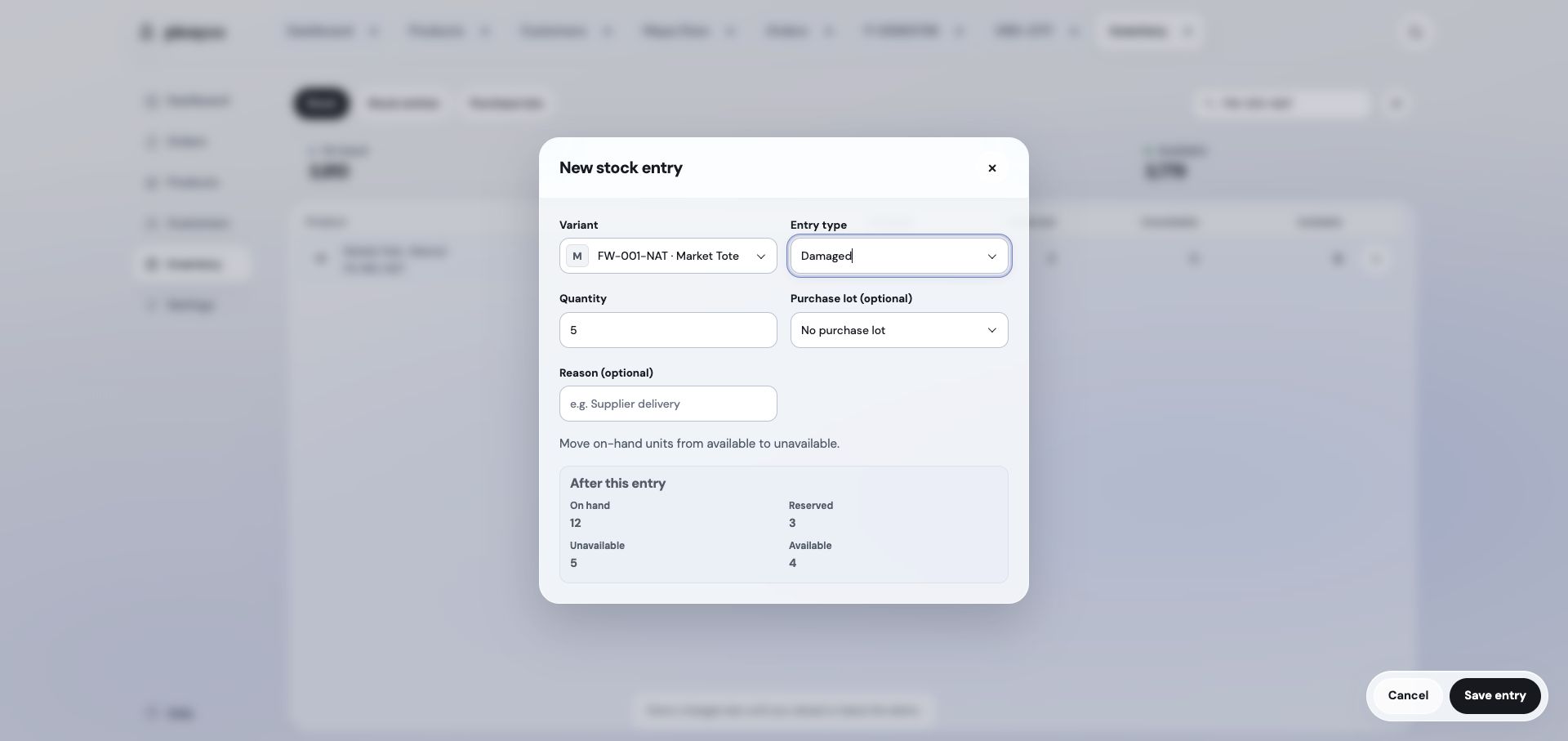
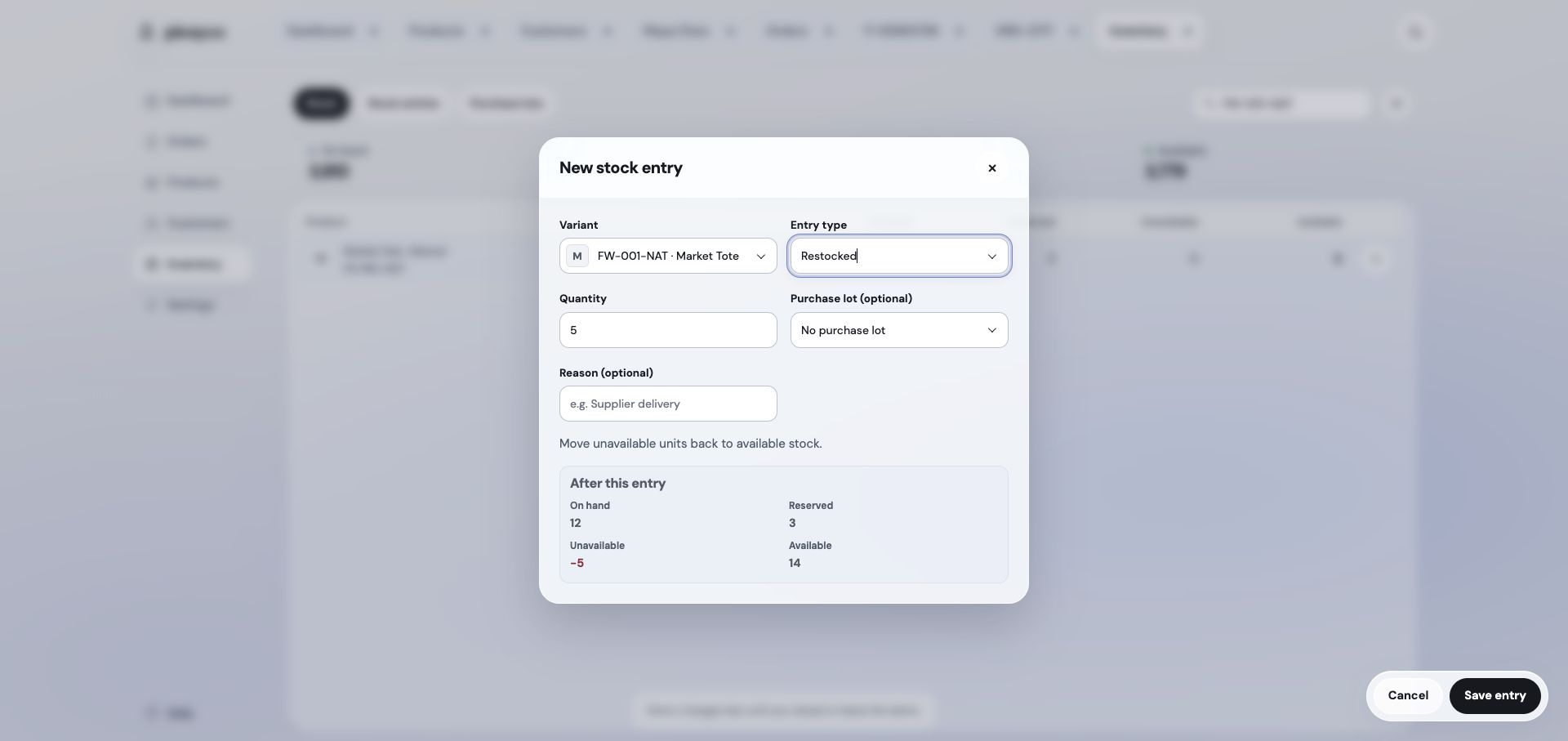
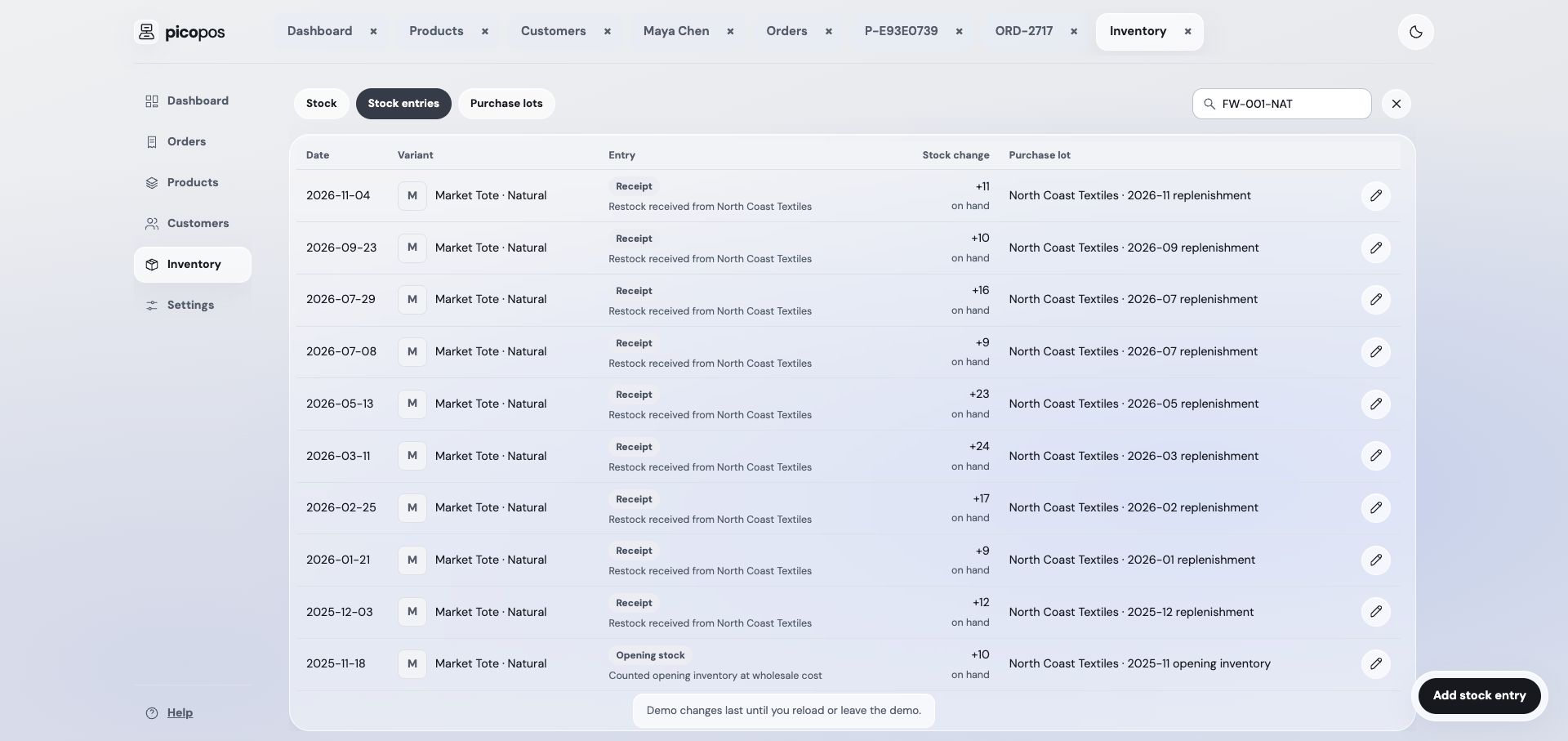
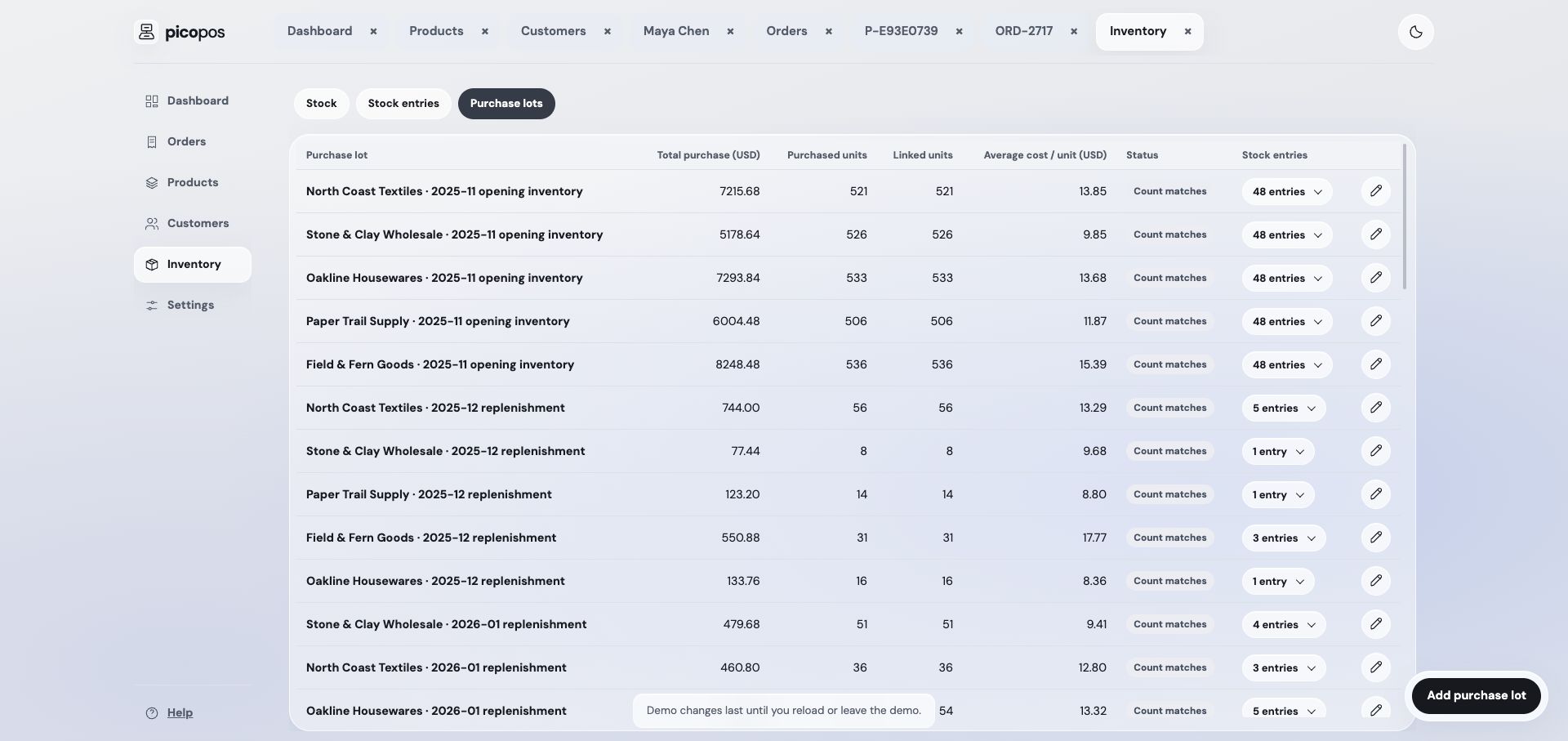
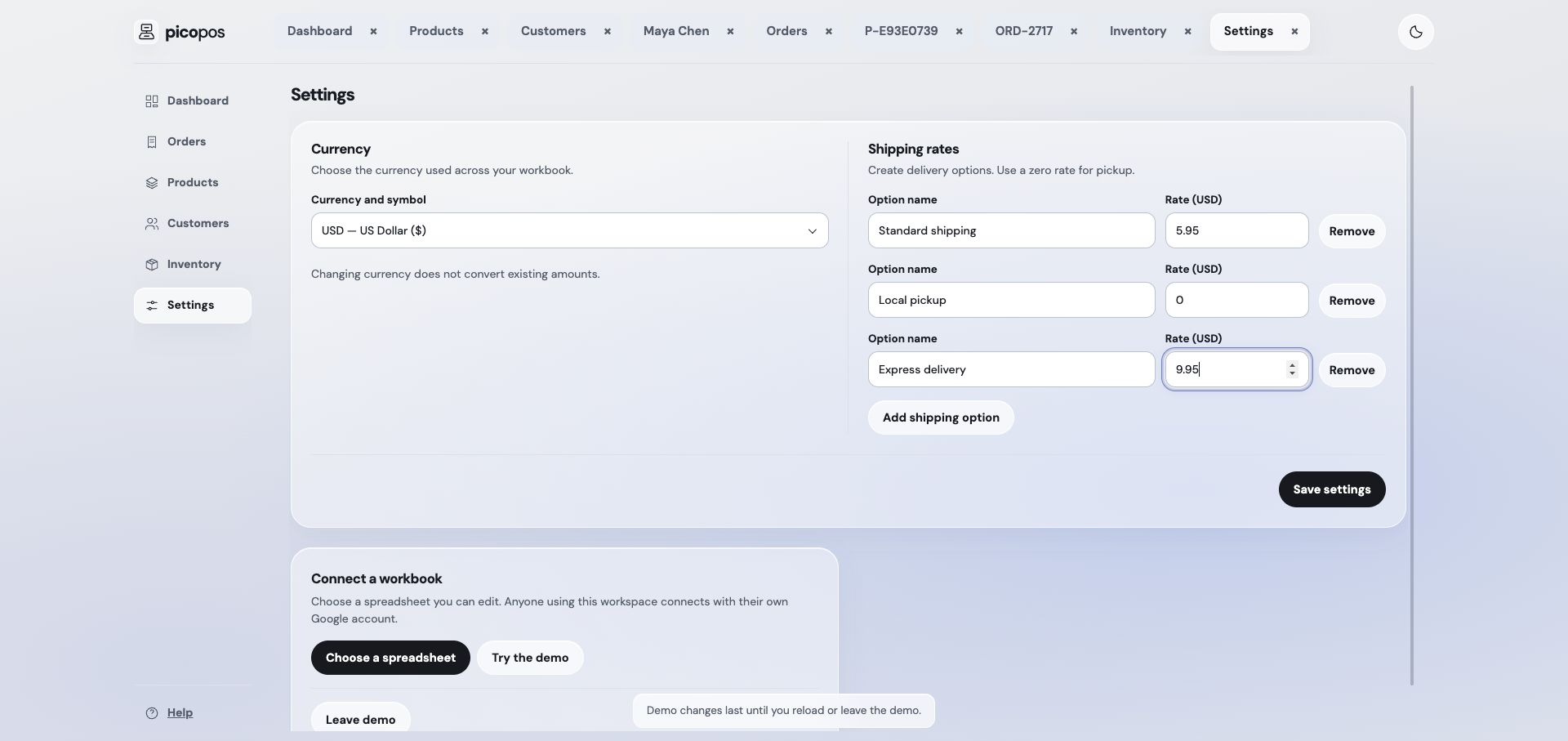
From the welcome screen or Settings, open Create a new workbook, enter your shop name, and select Create workbook. To connect a file you already use, select Choose an existing workbook. New files are named “picopos · Your shop”. When you connect a workbook for the first time and it has no picopos settings, choose a currency, shipping options, and a sync interval before finishing setup. The sync interval applies to this browser. The chooser starts by searching for “picopos”. If an older workbook has a different name, search for it by filename. Sign in with an account that can edit the file. picopos creates its managed tabs and leaves unrelated tabs alone.
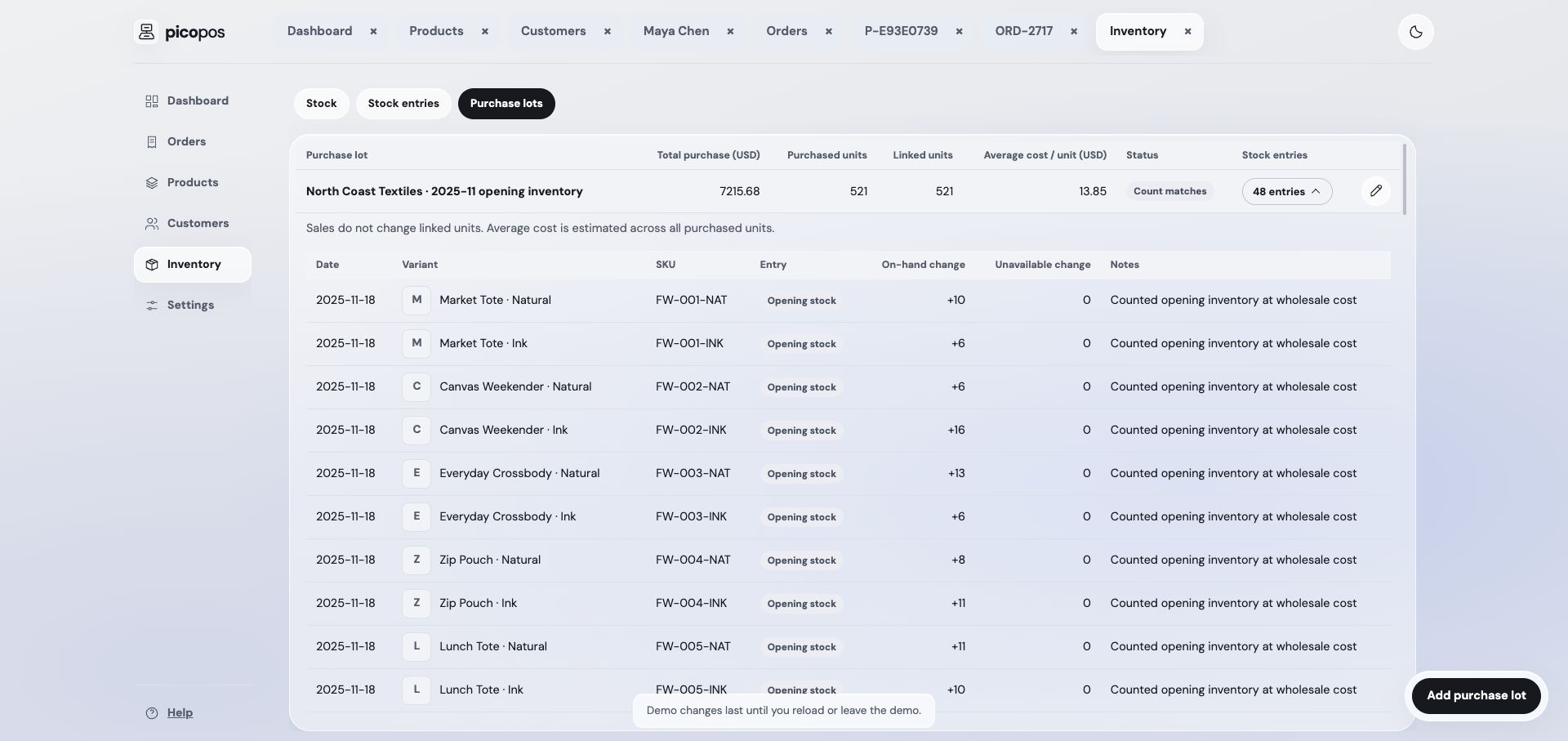
Your workbook holds products, variants, customers, orders, order items, returns, stock entries, purchase lots, categories, and settings. Keep managed headers and record IDs intact when editing Sheets directly.